Classes
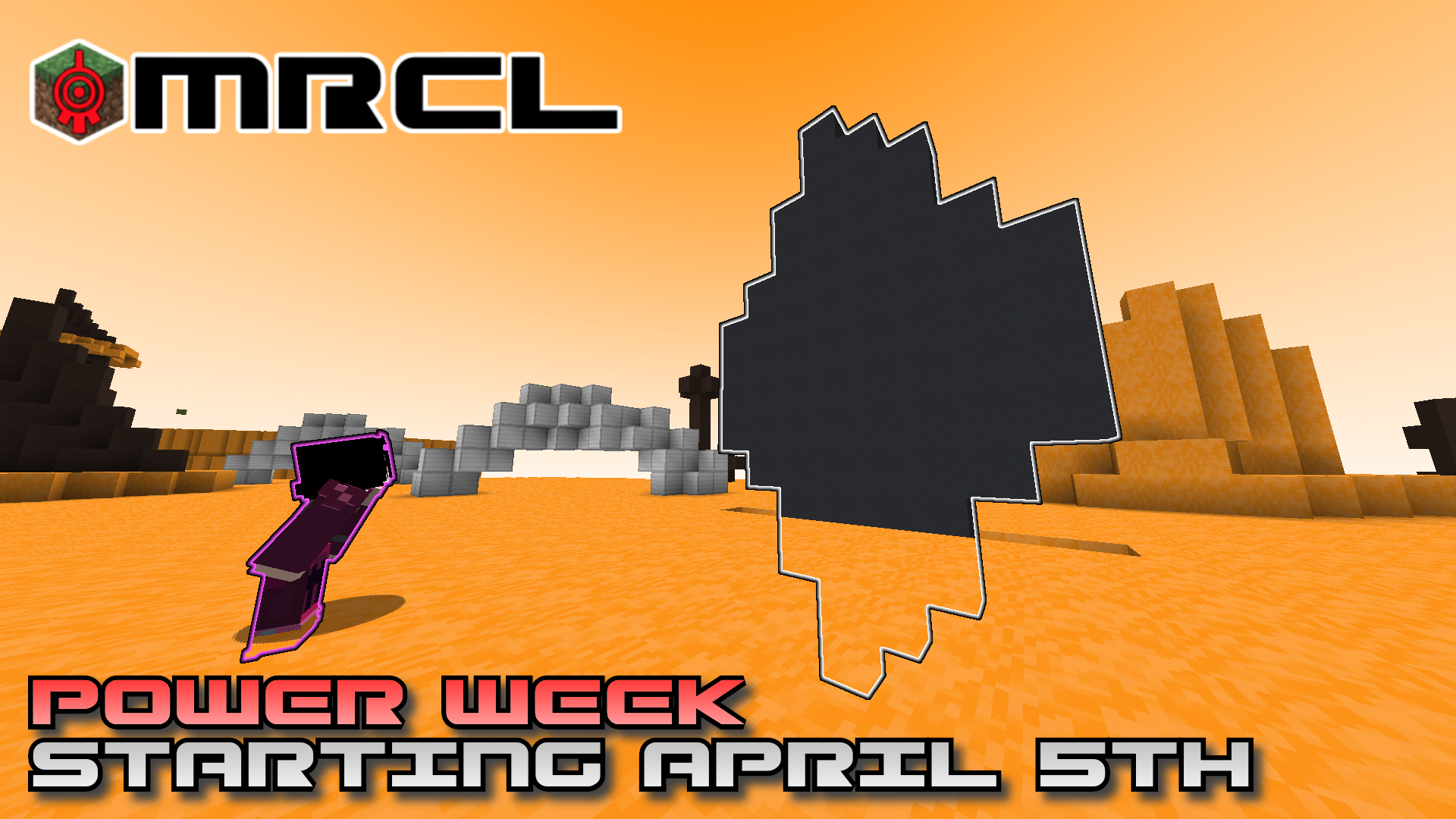
Promotional image for the “power week” that showcased all five classes
Your class will determine your abilites and weapons on Lyoko. There are five classes which correspond to the Lyokowarriors from Code Lyoko.
To select your class, use the Avatar program on the supercomputer interface. After doing so, you can choose from the five different classes with unique skills and weapons. Just click once on the class you wish to use and you're good to go to Lyoko!
If you don't change your class before your first virtualization, you will get a random class. You can change your class as many times as you'd like, though.
Common Features
- Every class can deactivate towers instead of only Angel.
- Every class is granted 100 Energy upon virtualizing on Lyoko unless a Software Attack launched by XANA is preventing it.
- Every class has its own weapon to fight. They will vary in terms of range and gameplay.
- Every class has the ability to protect themselves with a shield or their weapon. They also all break after a certain amount of damage is taken.
- Every class can develop DNA Issues by virtualizing too often.
- Every class has access to the Virtual Menu.
Virtual Menu

An old version of the virtual menu
The virtual menu is a useful menu that can be accessed when virtualized by pressing shift + L. It allows you to perform several different actions:
WarriorSense
The WarriorSense is a power that all classes have.
This power allows you to find a certain target, thanks to a bar at the top of your screen showing you the direction to go to.
Once in the menu, you will see different kinds of WarriorSense:
- Towers
- Players
- Sector Edge
- Key (only in Sector Five)
In the case of the maze key, it will also give the key a glowing effect for the duration of the power.
Overvehicles
All classes can also summon an Overvehicle of their choice.
All Overvehicles cost 100 energy aside from the Wings which can only be used by the Angel class and costs 75 energy.
Tutorials
All classes have access to tutorials teaching you how to use their powers.
You can only start one while you are in a tower.
Settings
The virtual menu allows you to tweak your settings. Here are the different settings you can modify:
- Skin Mode: You can enable or disable your skin's second layer on virtualization. Note that Veterans and Patreons can fully change their skin depending on certain conditions. (See Customization for more info.)
- Lyoko Guide: The Lyoko Guide is a small window next to your hotbar displaying instructions on how to use your powers that you can toggle.
- Tower Menu Variation: Tower menus have an advanced variation that can be activated.
- Power Colors: Powers can change colors, allowing for customization. There are no colors available by default, but Veterans have access to lime and dark green while Patreons have colors inspired by the Lyokowarriors. Some colors may be unlocked temporarily during special moments. (See Customization for more info.)
- Guidance Level: The guidance level decides how much the server will help you.
- Beginner: The server will always help you.
- First time only: The server will only help you for the first time. This is the level by default.
- Experienced: The server will never help you.
Knowledge
All classes can obtain Knowledge, which you can see which ones you've obtained from the virtual menu.
Trust Manager
You can select which warriors you trust through the Trust Manager. Trust is a one-sided system to enhance your experience while playing with reliable players. Currently, trusting someone will allow you to automatically accept votes sent by that person for:
Classes Available
Trivia
- An Operator class representing Jeremie was originally planned for the Elevated Functions Update. However, it ended up being scrapped.
- Three classes were temporarily added during the April Fools 2026 event: Ninja, Operator and Warrior Princess.
- The Virtual Menu's Knowledge button was originally an advancements button supposed to replace Minecraft's default advancements system. However, it was considered unnecessary and was replaced in The Lost Partition Update.