Scanners Manager
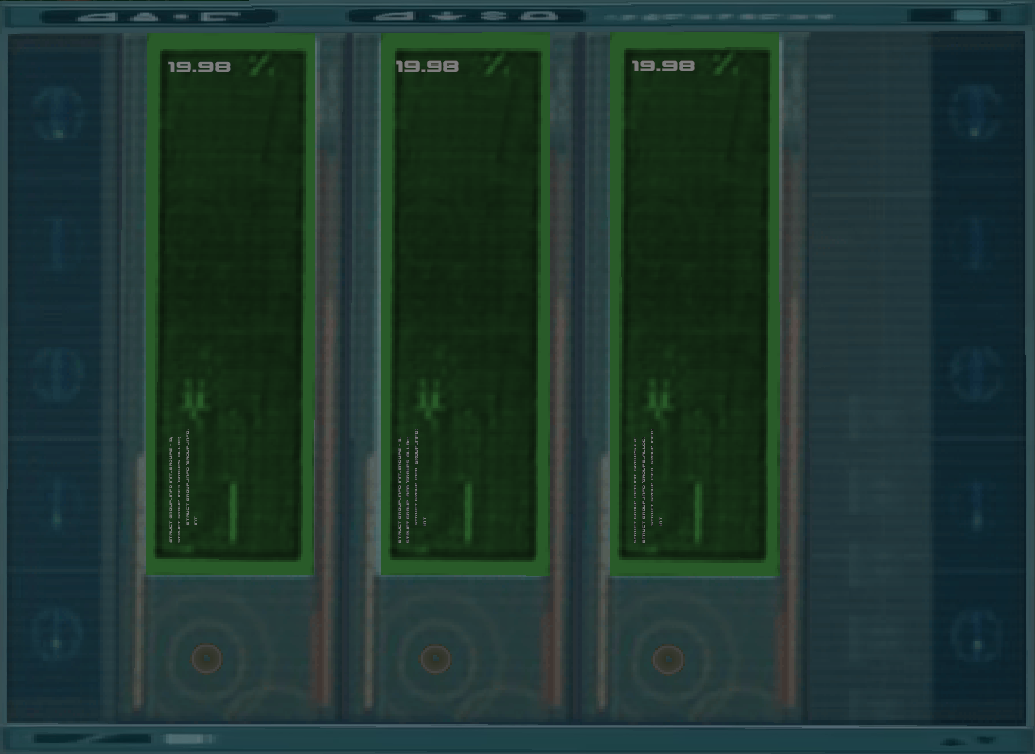
The Scanners Manager. All scanners are intact and open.
The Scanners Manager program allows you to view the state of the scanners, use them remotely and change their mode.
This program is available only in Lyoko's Terminal, or to any device connected to it.
Usage
Reading Information
The scanners in the window can change colors, each with a different meaning.
| Color | Meaning |
|---|---|
| Green | Open & Functional |
| Orange | Closed & Functional |
| Yellow | Opening or closing |
| Aqua | In use |
| Red | Offline |
Individual Scanner Manager
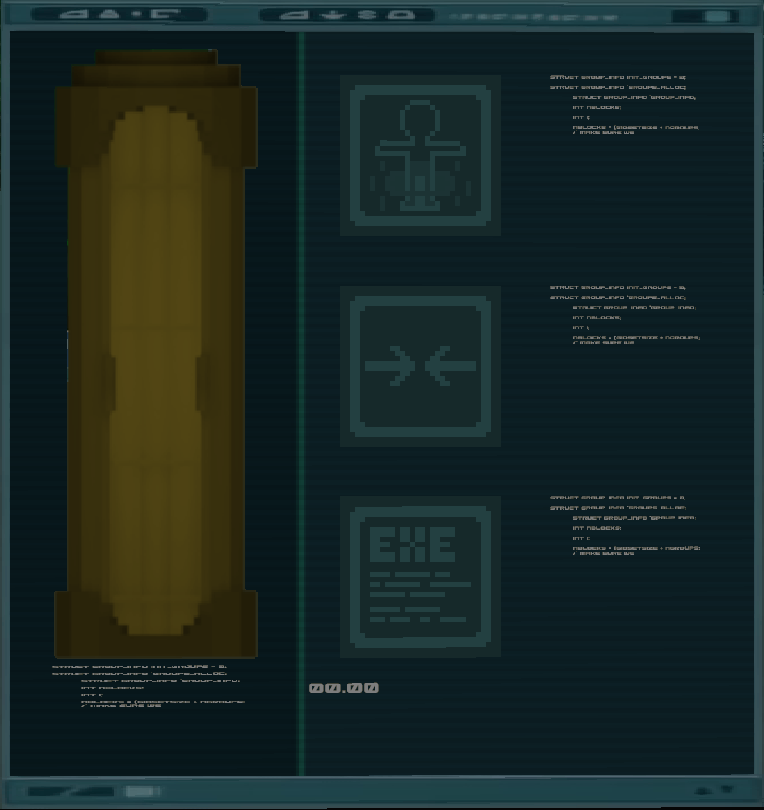
The Individual Scanner Manager. The scanner is currently open.
Right-clicking one of the scanners will open an individual scanner window to interact with the selected scanner.
This program can also be opened by connecting a Laptop to a scanner's box.
This window contains four buttons:
- Right-clicking the scanner on the left will send you a message in the chat containing information about the scanner's ID and mode along with the names of all the warriors inside it. It also shows visually whether the scanner is open or closed.
- The first button on the right starting from the top allows you to toggle between the scanner's modes.
- The second button allows you to open and close the scanner. This will not function if the scanner is offline.
- The third button allows you to execute the scanner's selected task remotely. This will not function if the scanner is offline.
Trivia
- There is one more scanner color: gray. It only appears if a scanner does not exist, meaning it is not visible in normal gameplay.